
Custom Ghost Themes: routes.yaml Patterns for Magazine Sites
Magazine Ghost sites need more than a blog feed. routes.yaml maps URLs to collections and templates—here are practical patterns for homepages, verticals, and landing pages.
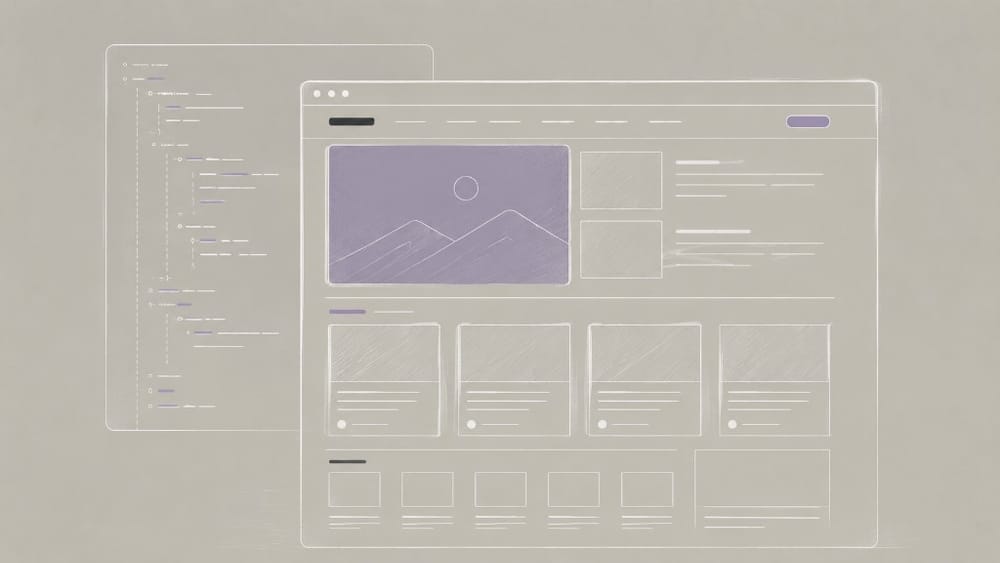
Ghost’s default blog feed works until it does not. Magazine publishers need a homepage with hero slots, vertical sections, and curated collections—not just / listing every post by date. Since Ghost 2.0, routes.yaml has been the configuration layer that maps URLs to collections and templates without forking core.
What routes.yaml controls
routes.yaml tells Ghost which template renders a URL, which collection feeds it, and how filters limit content by tag, featured state, or author.
Think of it as editorial routing: the URL structure reflects how readers browse your publication, not how the database stores timestamps.
Pattern 1: Magazine homepage
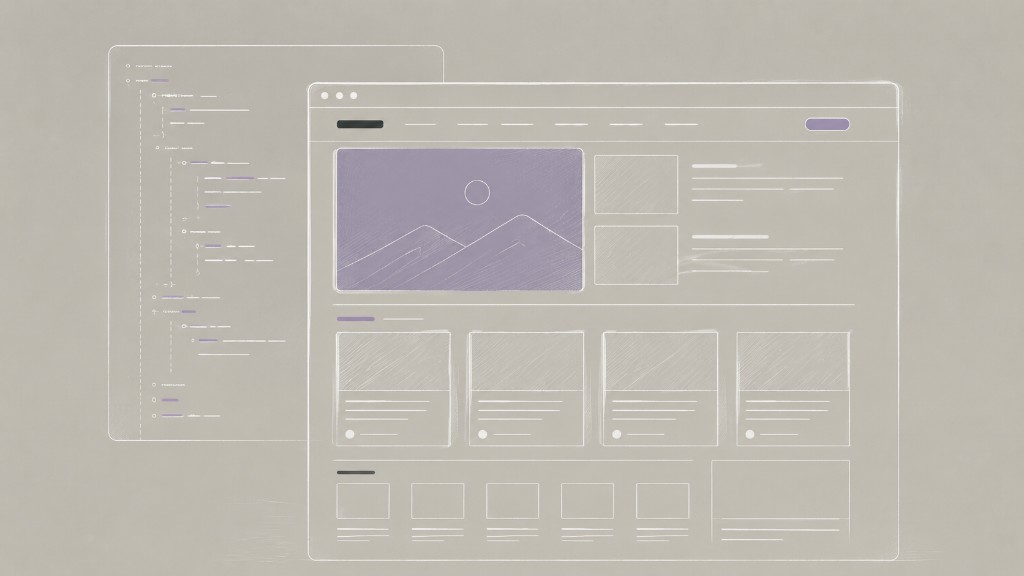
Replace the chronological home with a curated front page. Point / at a home template and filter out internal tags. The home.hbs template renders section partials—hero, latest in Design, trending reviews—each pulling filtered {{#get "posts"}} queries.
Pattern 2: Vertical sections by tag
Give major topics their own URL and template—/design/, /culture/—each with a dedicated tag-*.hbs layout while sharing global assets in default.hbs.
Pattern 3: Featured hub + archive
Separate promoted content from the full archive with a /featured/ route and an /archive/ collection filtered to exclude internal tags.
Pattern 4: Landing pages alongside the magazine
Marketing routes like /subscribe/ and /about/ use static templates. Keep the catch-all / collection last so specific routes match first.
Theme file map for magazine builds
routes.yaml— URL to collection/template mappinghome.hbs— magazine homepage layoutpartials/section-*.hbs— reusable editorial blockstag-*.hbs— vertical-specific layoutspost.hbs— shared article detail
Editor workflow implications
Magazine routing only works if editors know the taxonomy. Tags drive vertical filters; featured flags control hero slots; internal tags hide newsletter-only posts from public collections. Document tag conventions in your editorial guide.
Common mistakes
- Over-filtering collections — empty sections when tags are missing
- Permalink collisions — two collections claiming the same path prefix
- Forgetting pagination — archive pages that cap silently
- Skipping GScan — custom templates must meet current helper requirements
When not to use routes.yaml
Single-author blogs and straightforward newsletters often need only default routing. Add complexity when editorial structure—not aesthetics alone—demands distinct URLs and templates.
For the release that introduced custom routes, see the Ghost 2.0 release guide.


Discussion