
Newsletter Deliverability on Ghost: DNS, SPF, and What Actually Matters
Ghost newsletters land in spam when DNS auth fails—not when subject lines do. SPF, DKIM, DMARC, and the deliverability habits that actually matter.
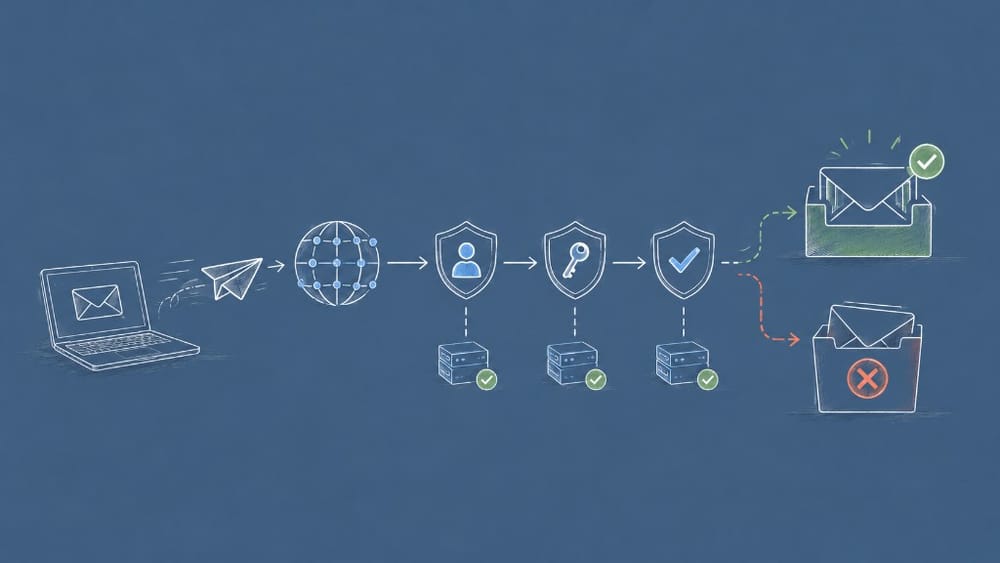
Ghost makes sending newsletters easy. Inbox placement is harder. When a post goes to spam, publishers blame the subject line first. More often the issue is authentication: receiving servers cannot verify that your domain authorized Ghost’s mail infrastructure to send on your behalf.
Deliverability is DNS engineering dressed as marketing.
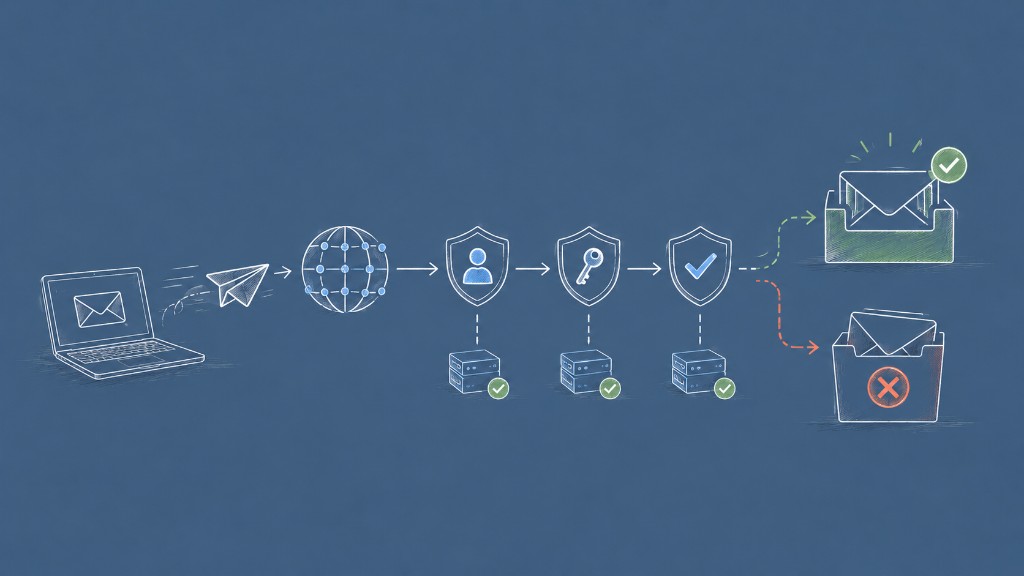
The path an email takes
When you click Send in Ghost Admin, mail is handed to Ghost’s email provider, recipient servers check SPF, DKIM, and increasingly DMARC, then route to inbox or spam—sometimes silently.
SPF: who may send for your domain
SPF is a DNS TXT record listing which servers can send mail as @yourdomain.com. Ghost provides the exact include value during email setup. Without SPF alignment, Gmail may accept mail but downgrade trust—or reject outright at strict organizations.
Common mistake: authorizing Google Workspace but forgetting the Ghost/Mailgun include. Two senders, one domain—both must be authorized.
DKIM: cryptographic proof the message was not tampered with
DKIM signs outgoing messages with a private key; recipients verify using a public key published in DNS. Ghost’s setup flow gives you DKIM records to paste. Until DKIM passes, newsletters look like forwarded bulk mail even when content is excellent.
DMARC: what receivers should do when auth fails
DMARC tells mailbox providers how to handle mail that fails SPF or DKIM. Start with a relaxed policy (p=none) and reporting enabled. Having a DMARC record at all signals legitimacy.
What actually moves the needle
- Custom sending domain — send from
[email protected], not a generic shared domain - List hygiene — no purchased lists; high bounces destroy reputation
- Consistent From name — switching weekly confuses filters and readers
- Warm-up after migration — ramp volume when moving from another ESP
- Test before big sends — verify
spf=passanddkim=passin headers
Self-hosted vs Ghost(Pro)
Ghost(Pro) guides DNS through managed setup. Self-hosted publishers configure Mailgun manually—same SPF/DKIM requirements, more ownership. Either way, Ghost Admin shows verification status. Fix red indicators before blaming subject lines.
Troubleshooting quick reference
- All mail to spam — missing or wrong SPF/DKIM
- Gmail inbox, corporate spam — strict DMARC policies at recipient
- Magic links fail too — transactional and newsletter mail share reputation
- Worked yesterday, not today — DNS record expired or ESP change
How this connects to Ghost’s newsletter stack
Ghost 4.0 made newsletters core; later releases refined design and segments. None of that matters if authentication fails. Deliverability is the plumbing beneath Portal signups and membership email.



Discussion