
Colours and fonts
Colour schemes
Go to Settings → Design & branding → Customize → Theme and choose a Colour scheme.
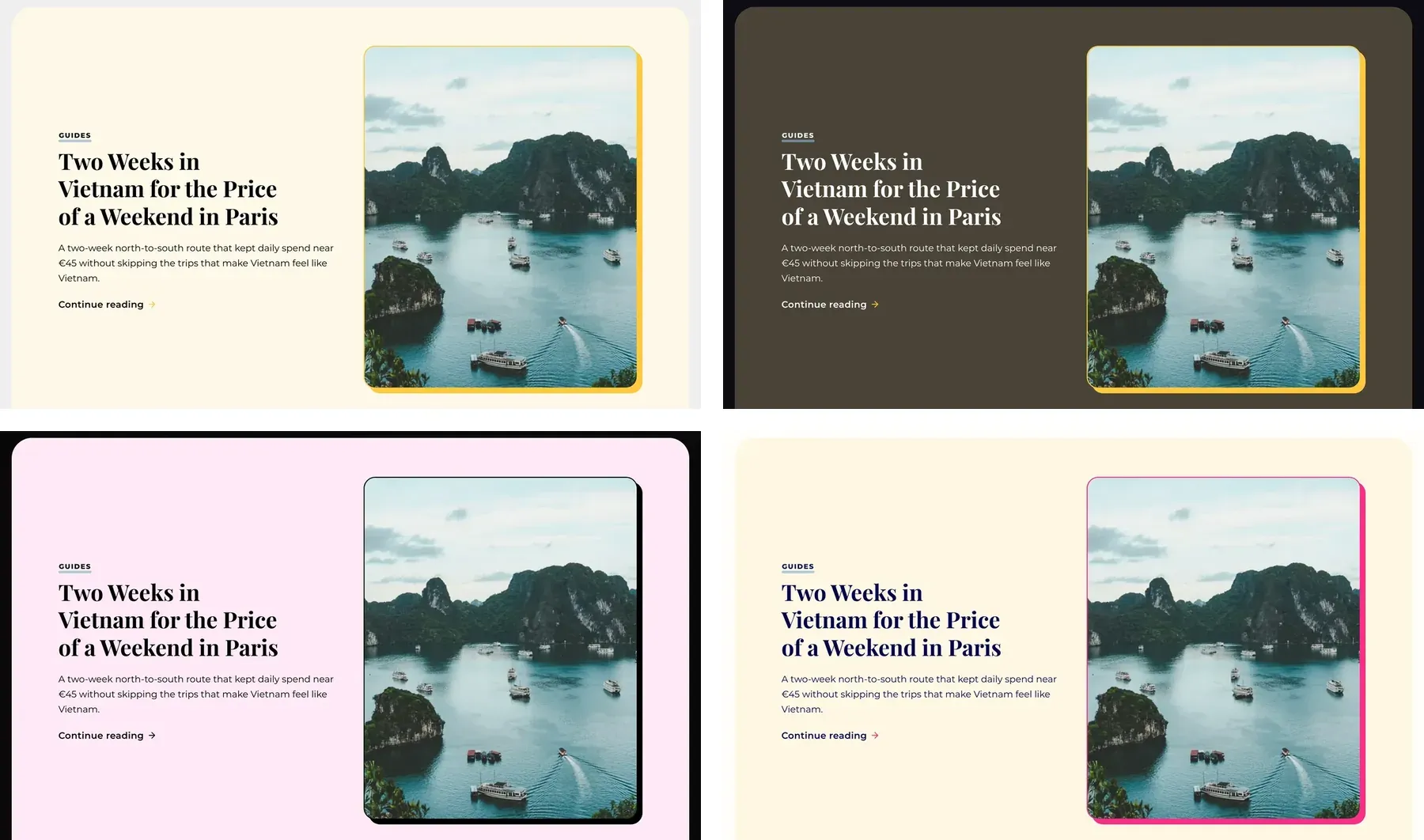
- Light (default): white site card on a light grey frame.
- Dark: dark card and frame.
- System: Light or Dark, following each reader's device.
- Pastel: soft pinks and blues on a dark frame. Has its own palette.
- Bold: strong blue, pink and yellow. Has its own palette.
Accent colour
Set it in Settings → Design & branding → Customize → Brand → Accent color. Light, Dark and System use it for buttons, links and highlights. Stretch picks black or white button text automatically so it stays readable. Pastel and Bold keep their own colours.
Fonts
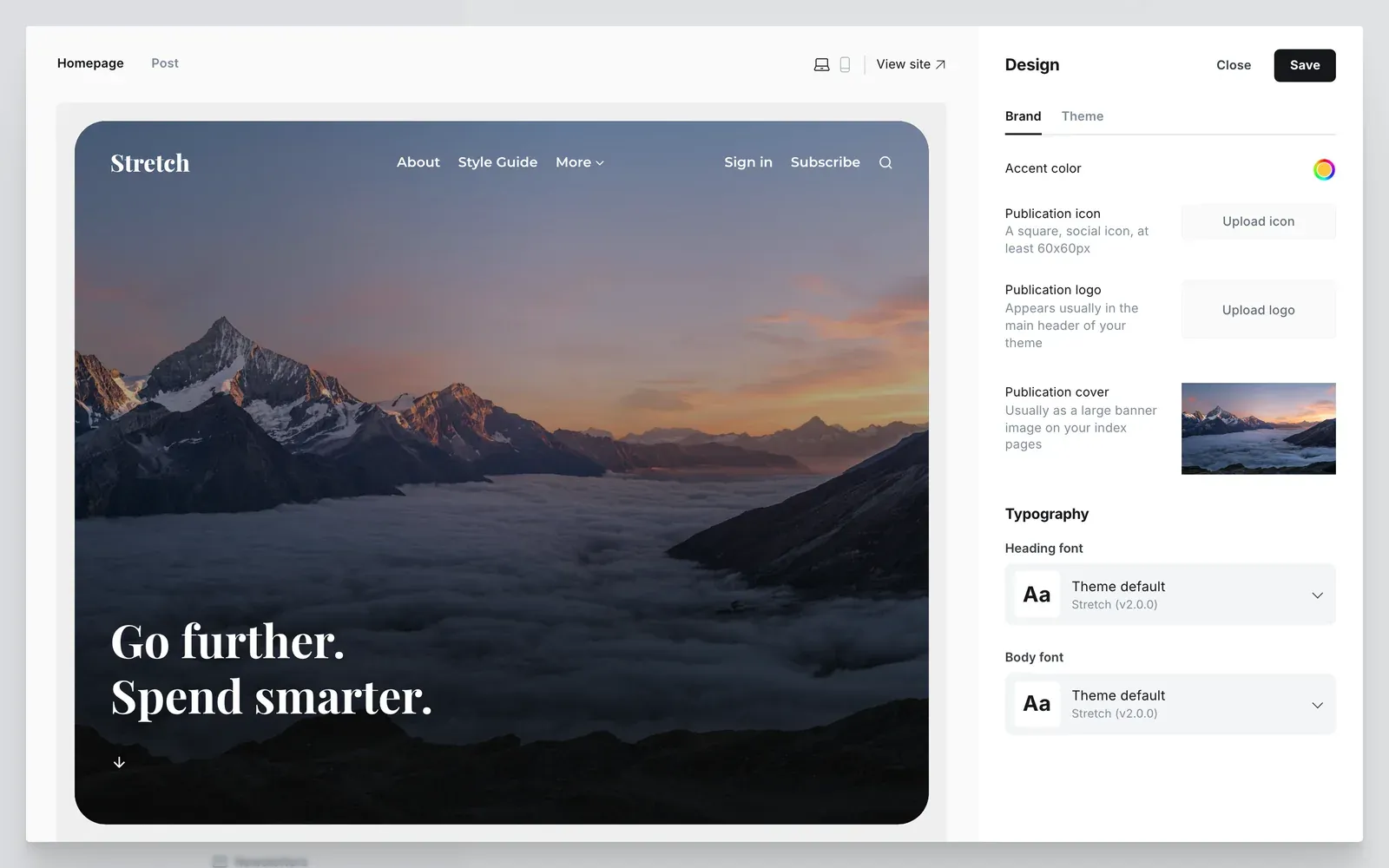
Stretch uses the Heading font and Body font you pick in Settings → Design & branding → Customize → Brand, in every colour scheme. If you leave them on the default, Stretch uses Montserrat for text and Playfair Display for headings. Both are bundled with the theme.
Background colour
Change the frame around the site card with the Background colour setting. It works with Light, Dark and System.