
Members and comments
Members and Portal
Stretch uses Ghost's own memberships. Sign in, sign up and account links appear in the header when memberships are on. Set them up in Settings → Membership.
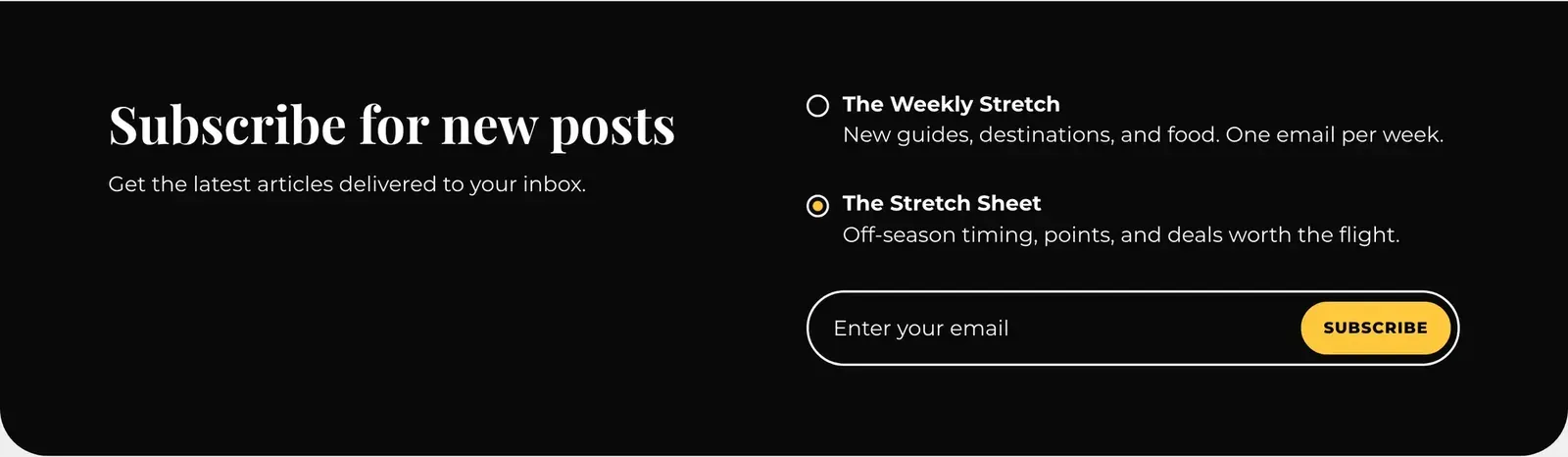
Newsletter sign-up band
Choose where it appears with the Subscribe band setting, and set its text with Newsletter heading and Newsletter description. If you send more than one newsletter, readers can tick the ones they want.
Paid and members-only posts
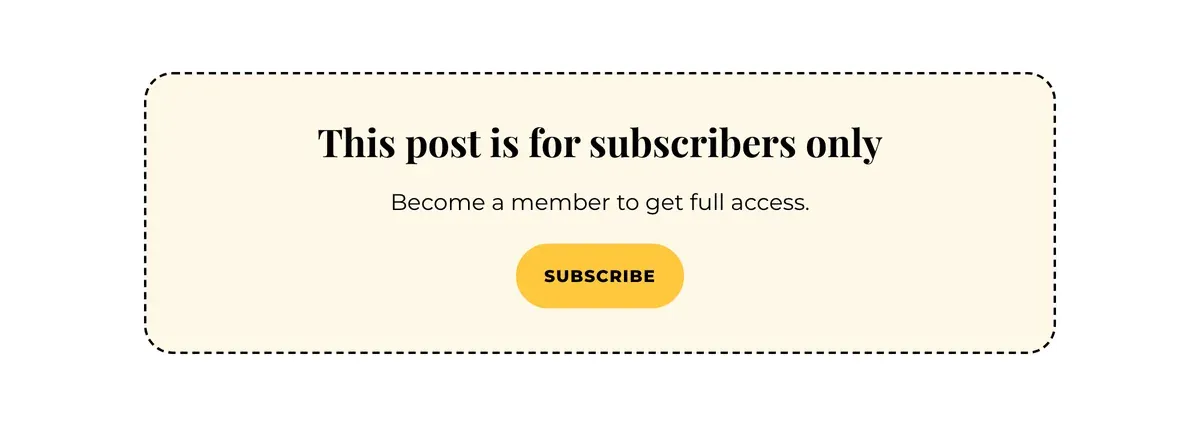
In the post editor, click the Post settings icon (top right) and set Post access. Readers without access see the start of the post and a box asking them to subscribe or upgrade.
Comments
- Native: turn on comments in Settings → Membership → Commenting. Then, in Customize → Theme, set Comments system to Native.
- Disqus: set Comments system to Disqus and enter your Disqus shortname.
- None: hides comments everywhere.