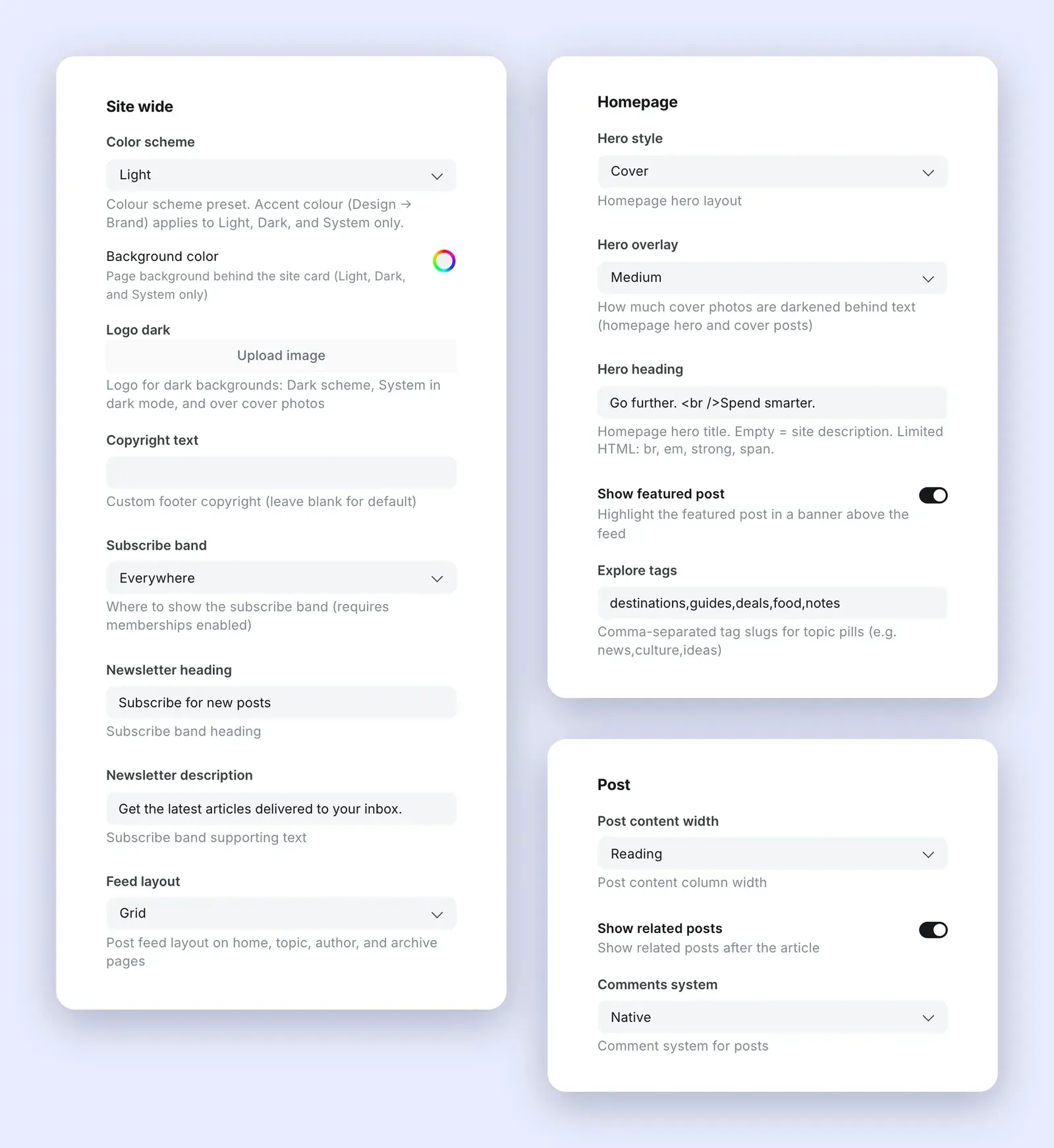
In Ghost Admin, go to Settings → Design & branding → Customize and open the Theme tab. There are 17 settings, in three groups. Click Save when you're done.
The Theme tab in Ghost Admin, with the Site wide, Homepage and Post groups.
Site wide
Setting
Options
What it does
Colour scheme
Light, Dark, System, Pastel, Bold
The overall palette. System follows each reader's device. See Colours and fonts.
Background colour
Colour
The frame around the site card. Light, Dark and System only.
Dark-mode logo
Image
Shown instead of your logo on dark backgrounds and over cover photos.
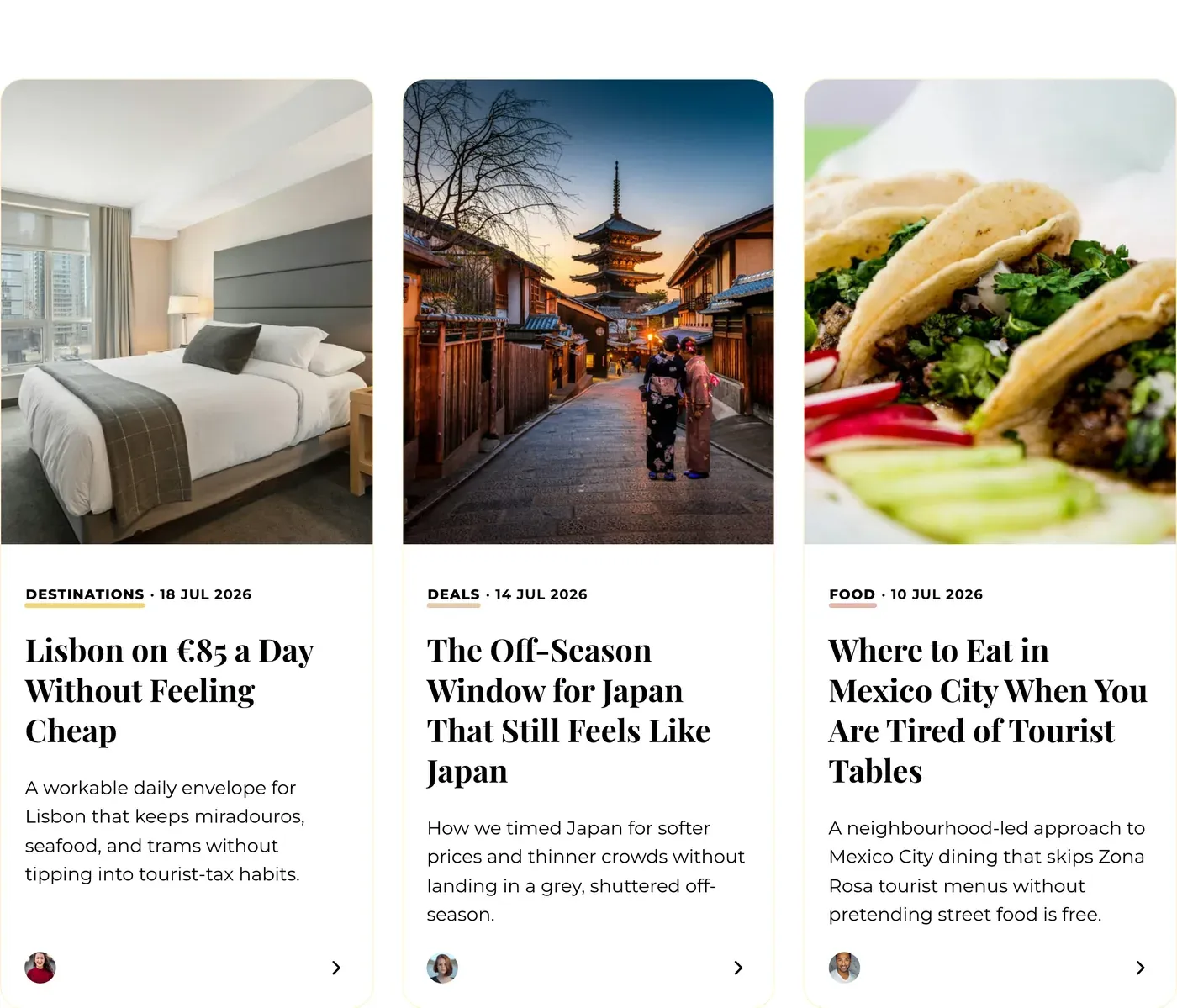
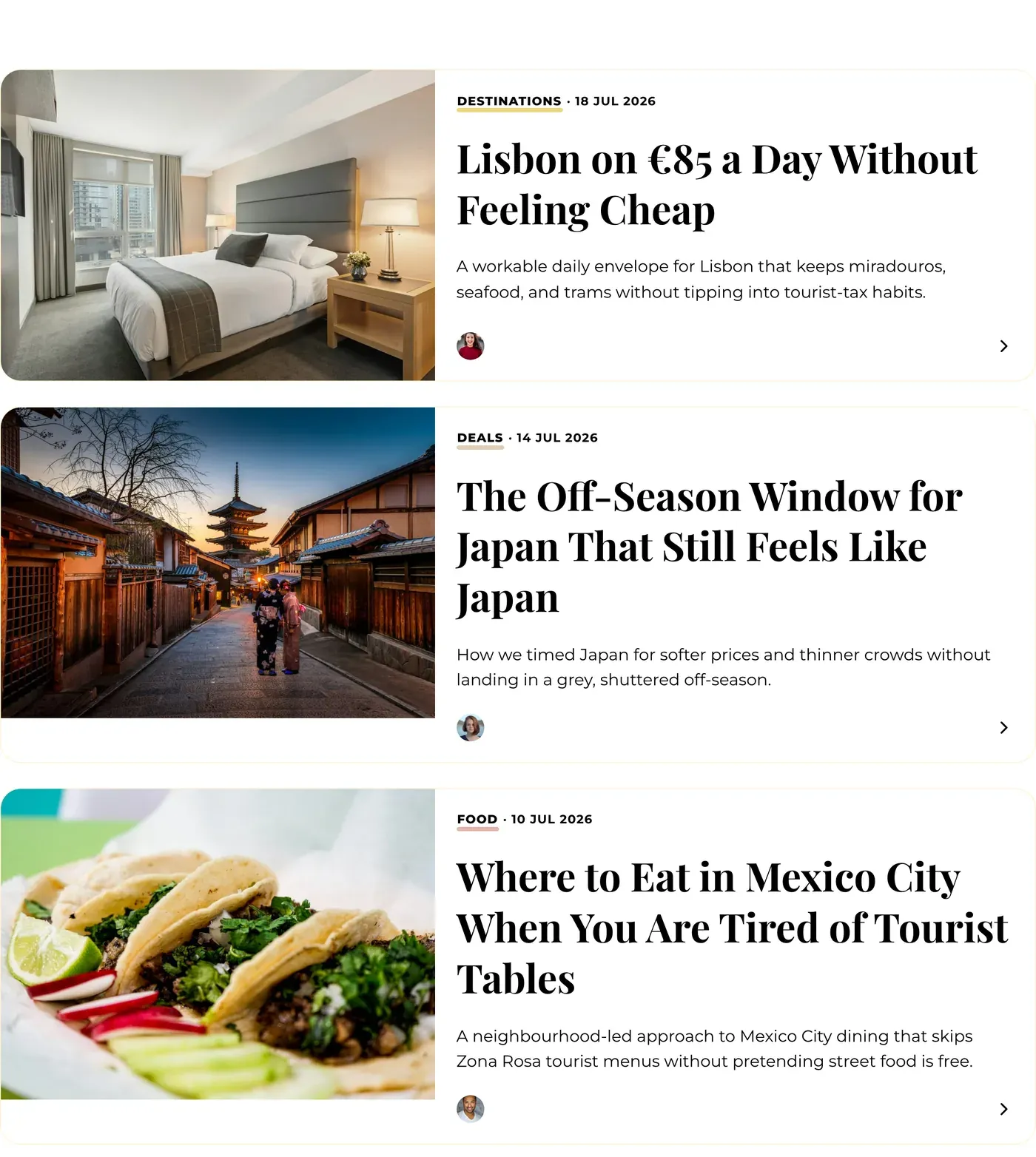
How post lists look on the homepage, tag, author and archive pages.
Feed layout: Grid.Feed layout: Classic.The subscribe band. Readers can pick which newsletters they want.
Homepage
Setting
Options
What it does
Hero style
Cover, Hero, None
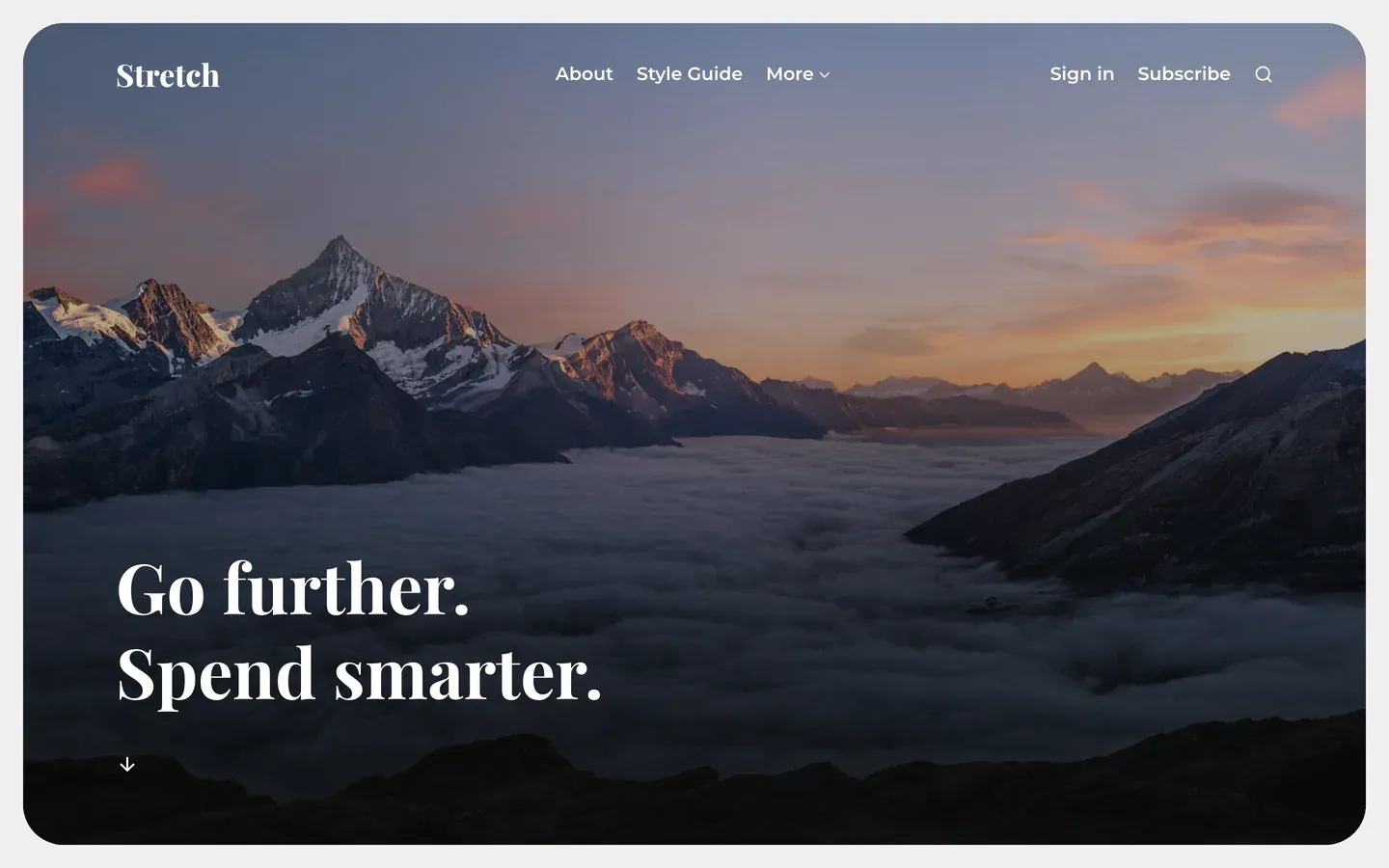
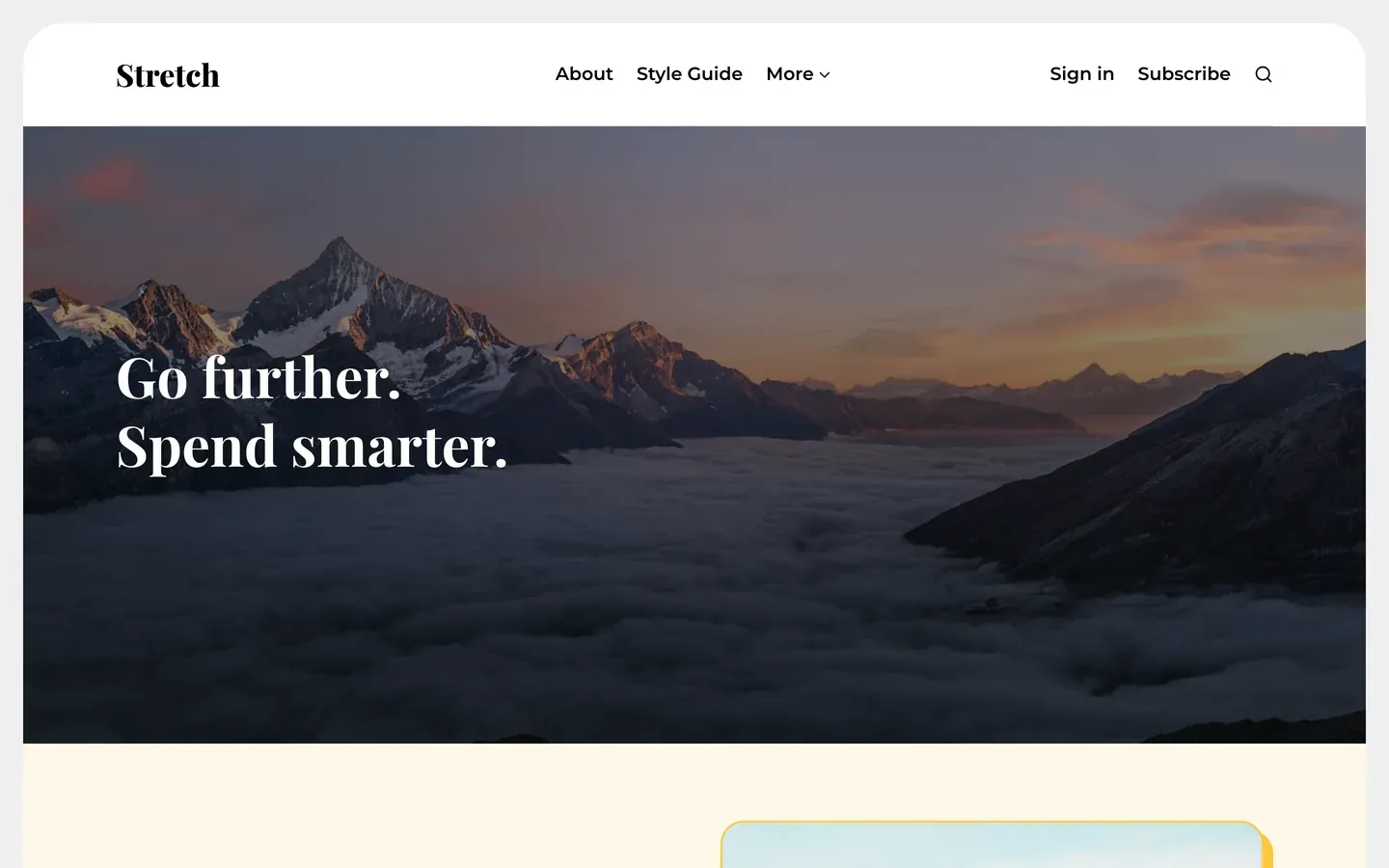
Cover fills the first screen with your publication cover image. Hero is a shorter header. None starts with your posts.
Hero overlay
None, Light, Medium, Strong
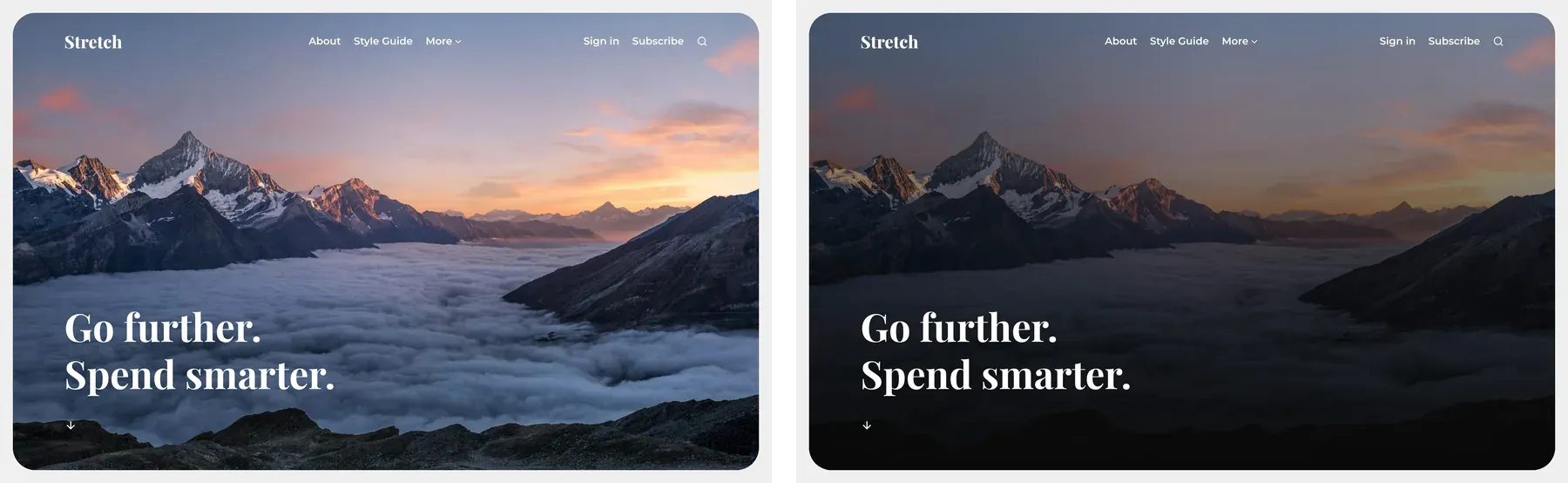
How much cover photos are darkened behind text, on the homepage and Cover posts.
Hero heading
Text
The homepage title. Leave blank to use your site description. Allows <br>, <em>, <strong> and <span>.
Show featured post
On, Off
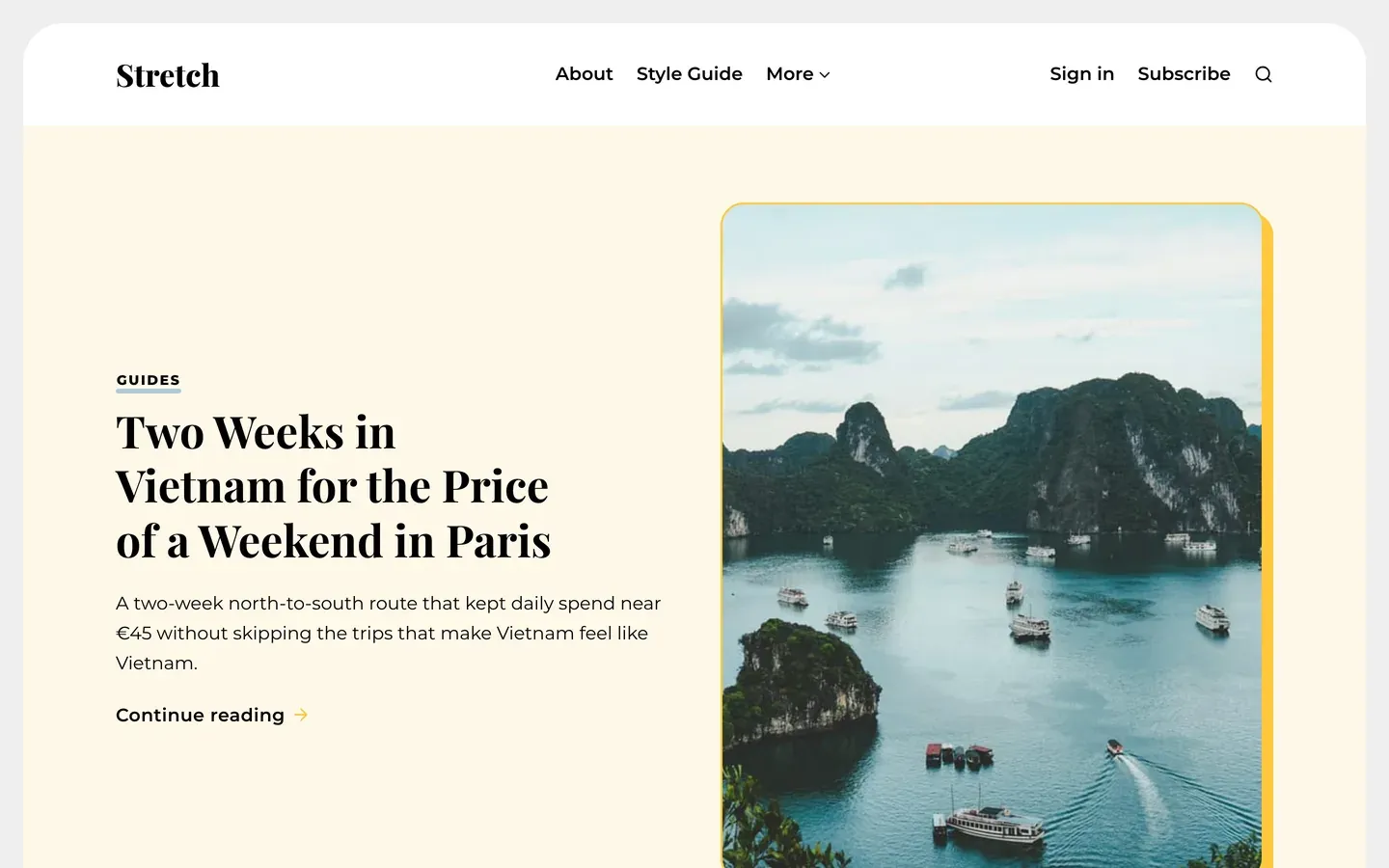
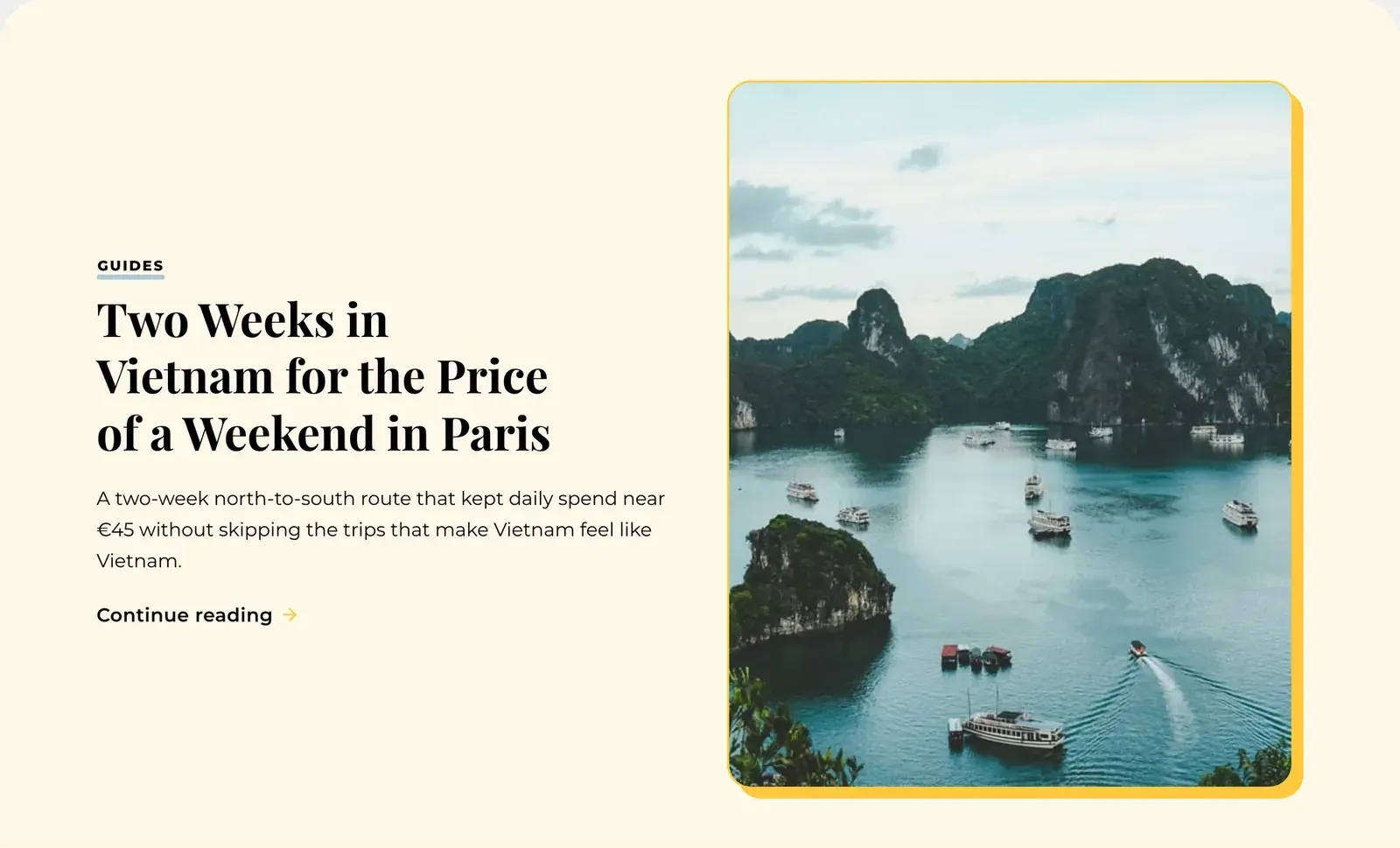
Shows your featured post in a banner above the feed.
Explore tags
Tag slugs, comma-separated
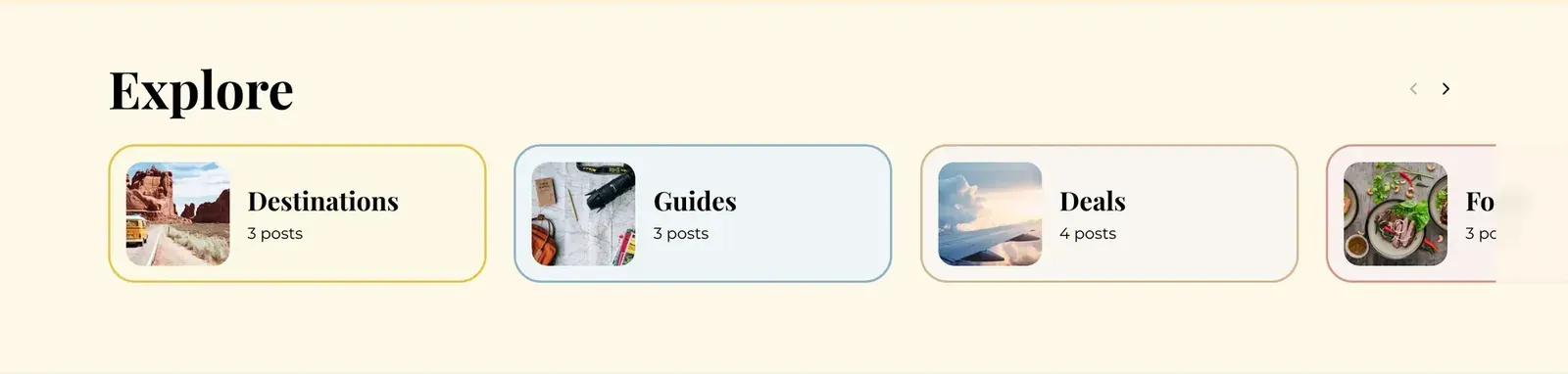
The topic cards on the homepage, e.g. travel,food,guides.
Hero style: Cover. Your publication cover fills the first screen.Hero style: Hero. A shorter header above your posts.Hero style: None. The page starts with your featured post and feed.Hero overlay: None (left) and Strong (right). Medium is the default.Show featured post: the banner above the feed.Explore tags: topic cards, each in its tag colour.
Post
Setting
Options
What it does
Post content width
Reading, Wide
The width of the text column on posts.
Show related posts
On, Off
Related posts from the same tag after each article.
In Ghost Admin, go to Tags (left menu), click a tag, and set its Color. Stretch uses it on that tag's labels and topic card. Add a Tag image for the topic card photo.
Discover Ghost newsletter
Ghost tips and new themes, in your inbox.
New tutorials, platform updates, and theme releases. Sent only when there is something worth reading.